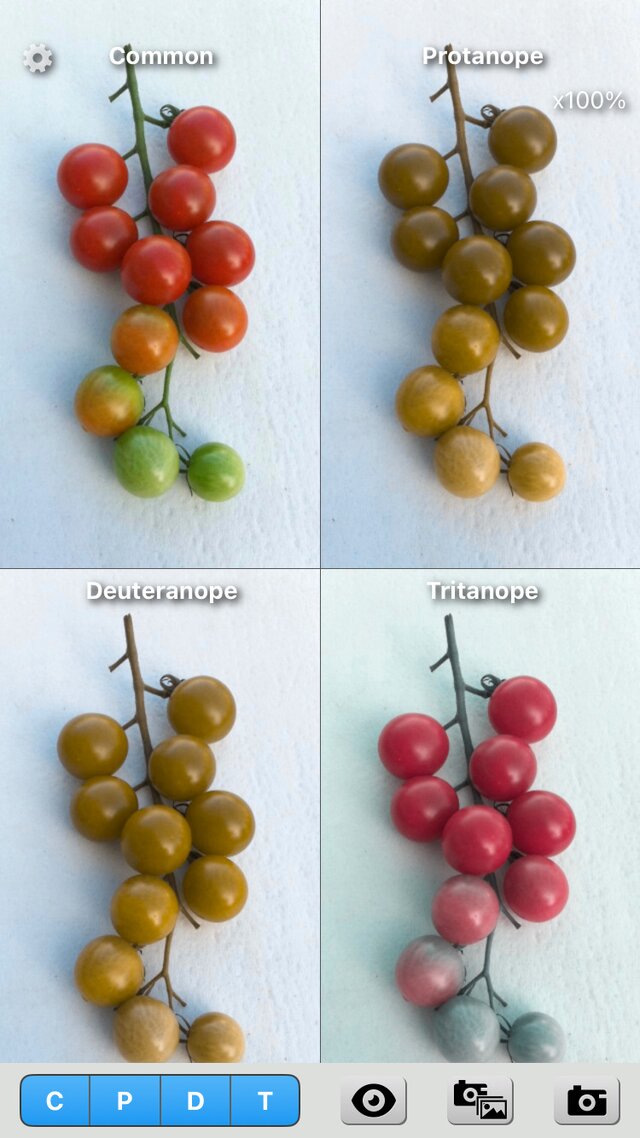
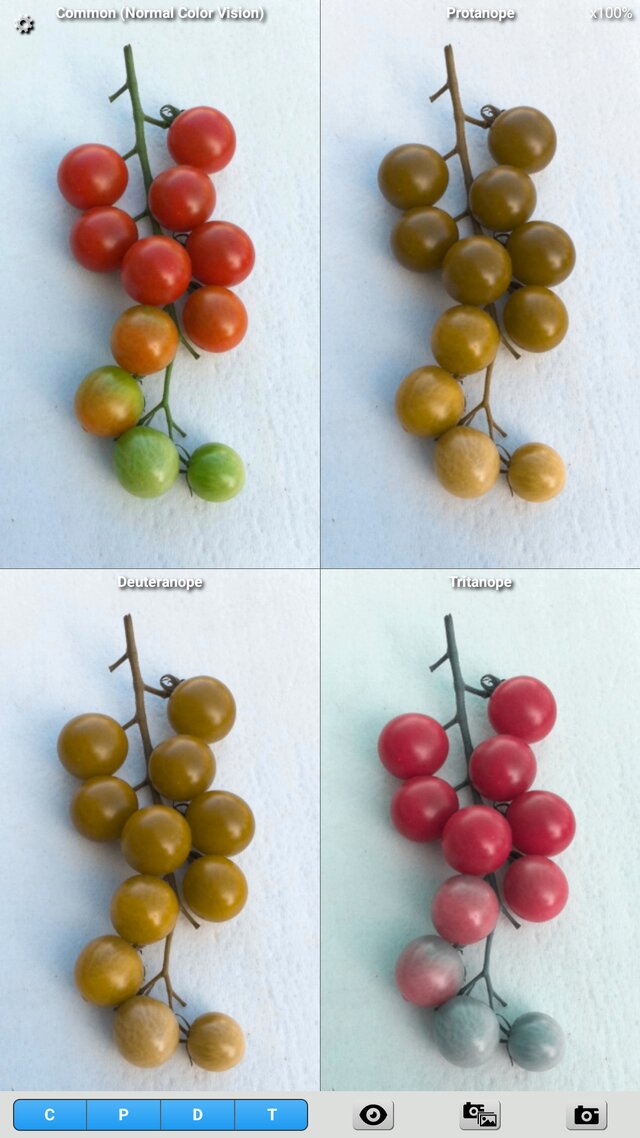
Chromatic Vision Simulator Version 4.0 Is Released
Chromatic Vision Simulator version 4.0 is released. The iOS and Android versions have been rebuilt from the ground up and now share the same screens and behavior. The main changes in version 4.0 are as follows.
- Difference mode
Shows, as brightness, how much the colors change between the original image and the simulated image of each color vision type. Places with no difference are black and places with a large difference are white (the distance in the Oklab color space). Swipe left or right with two fingers on the screen, or with one finger on the bottom bar, to switch between it and the conventional "Appearance mode". - Show Color Name
Shows the name of the color (systematic and traditional color names), CIELAB, Oklab, Munsell and more at the place you point at with the color cursor. You can choose the items to show in the settings. - Settings screen
You can set text on saved images, save on volume button, difference mode, color name display, save sound and volume, and color space in the settings screen. - Wide color gamut (Display P3)
On devices with a wide color gamut, images are shown and saved in Display P3. Capturing the camera image in P3 is available on iOS only. - Screen reader
Works with TalkBack and VoiceOver. - Operation
New button icons. The point at the center of the screen stays at the center when you zoom, and a double tap resets the zoom and the position. Saved images do not include location information. - Requirements
iPhone and iPad with iOS 17.0 or later, and Android devices with Android 8.0 or later.
For details, see the following pages.
- User's Guide
- Theory (how the simulation and the color difference are computed, and the theory of the color name display)
- App Store (iOS version)
- Google Play (Android version)
The versions released as open source are the Android versions 3.0 to 3.3.1 (MIT License, GitHub). The iOS version and versions 4.0 and later are not open source.
2026/10/30 Kazunori Asada