About
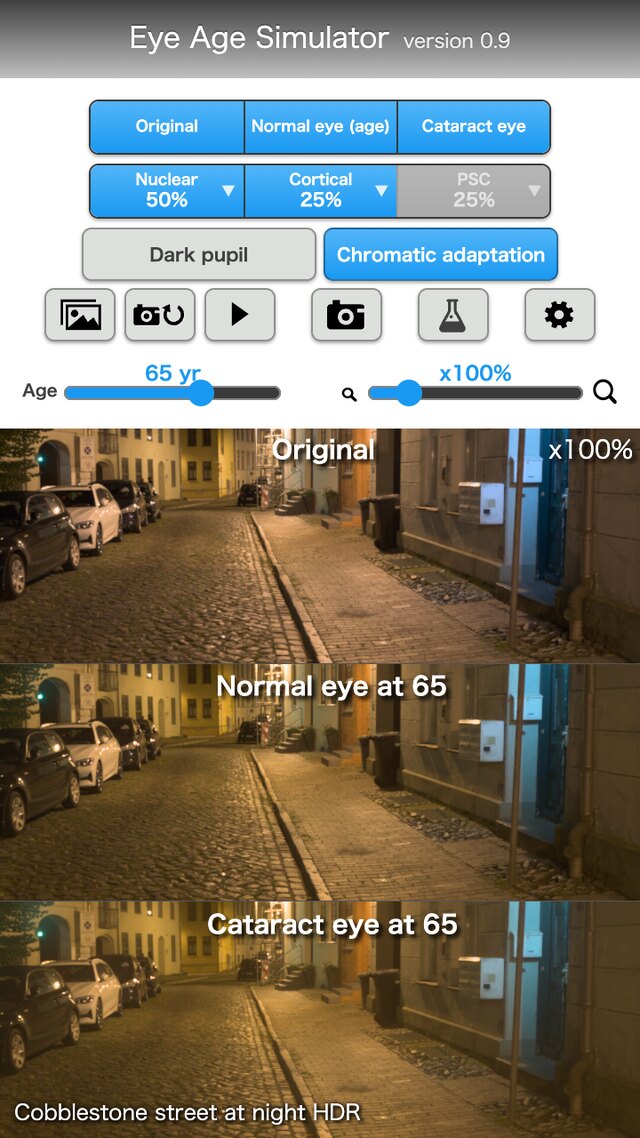
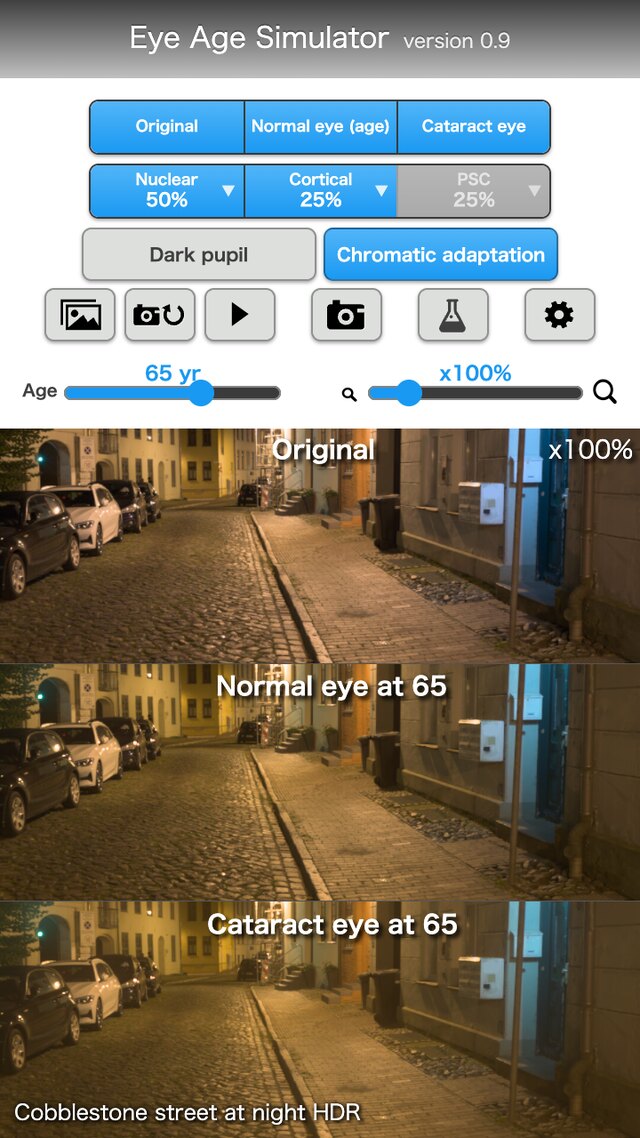
"Eye Age Simulator" compares how aging and cataract change the way the eye sees, using three views.
- Original
The image without any processing. - Normal eye (age)
How a normal eye of the age set with the slider sees it. Only the difference from a young eye (more lens yellowing and light scatter) is applied. - Cataract eye
How an eye of the set age with the chosen cataract types (Nuclear, Cortical, PSC) sees it.
You can deepen your understanding by combining the following functions.
- Image source
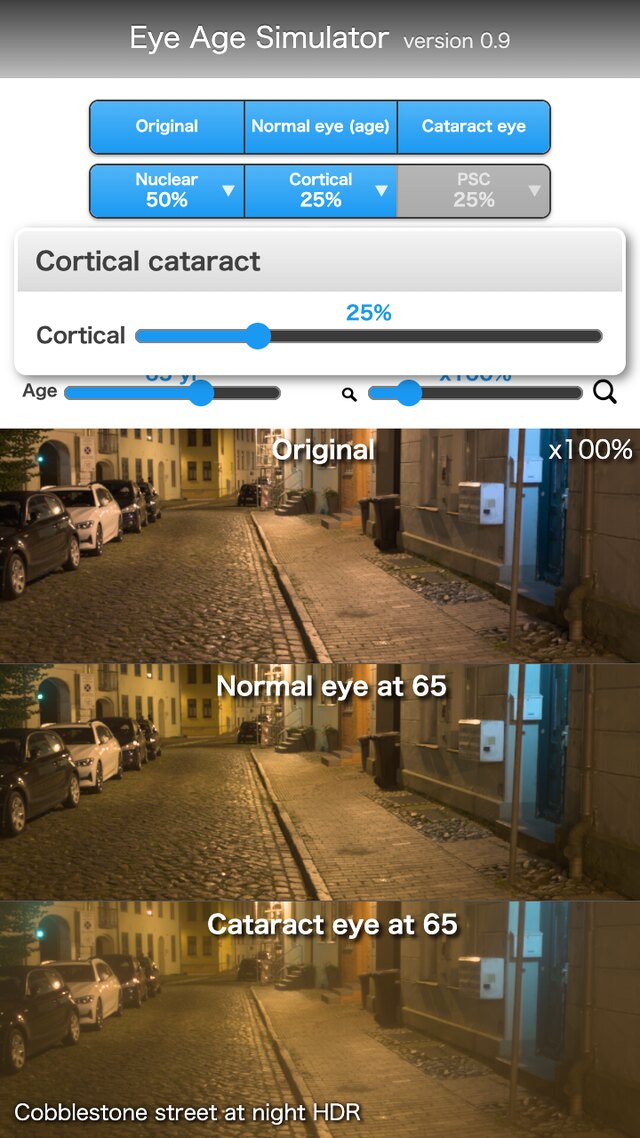
Choose from samples (photos grouped by scene), the camera, or your own image. - Types and progress
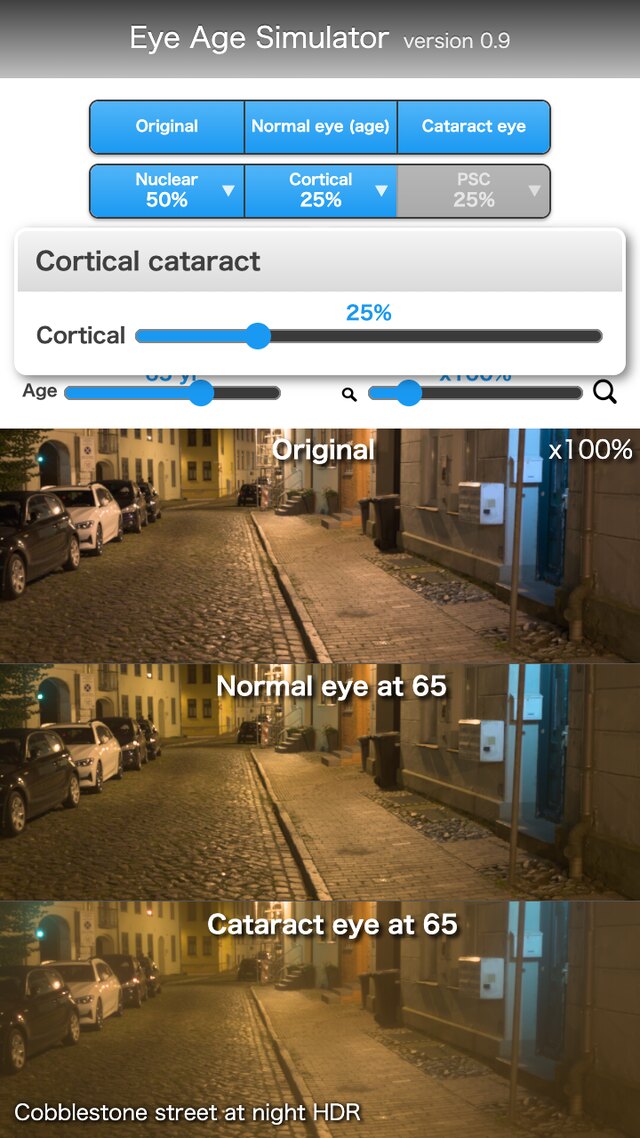
Turn the cataract types (Nuclear, Cortical, PSC) on or off, and set the progress (0 to 100%) in the popup of the "▼". - Research settings
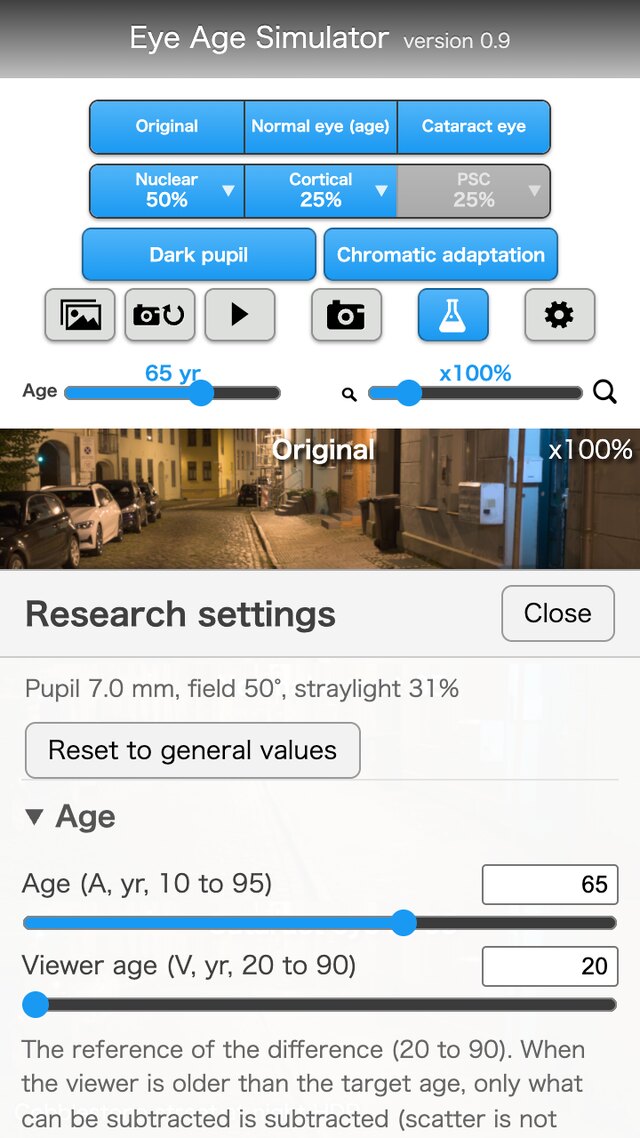
Enter the physical values (pupil diameter, lens optical density, scatter multiplier, random seed, and so on) directly, and save or load them as JSON. - HDR photos
The glare of a cataract depends on the true strength of strong lights. An ordinary photo records a headlight and the sun only as "white". With an HDR photo that has a gain map (Android Ultra HDR, ISO 21496-1), the app calculates the glare according to the strength. 44 of the 50 samples are HDR.
Product Requirements
- A web browser that supports WebGL 2 (including floating-point textures). It works on smartphones, tablets and computers.
- The camera input works in browsers that support WebRTC and are opened over HTTPS.
Sample Screen
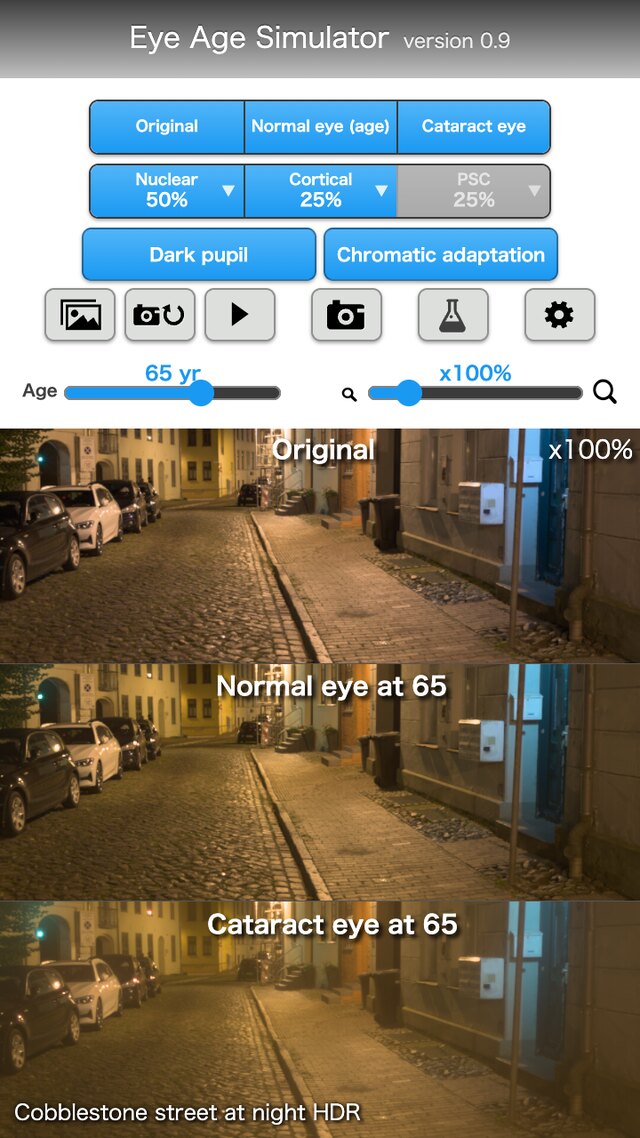
Basic screen
 open image
Three views
 open image
Types and progress
 open image
Research settings
 open image
Notes
- This application was developed by Kazunori Asada (MD, PhD in Media Design).
- It cannot be used for diagnosis, treatment or vision tests. If you are concerned about symptoms of your eyes, see an ophthalmologist. The brightness and colors look different depending on your screen.
- The sample photos are cut from HDRIs (CC0) of Poly Haven (polyhaven.com) and ambientCG (ambientcg.com). The pages of things to read (a book, a newspaper, a manual, a smartphone screen, a timetable, a menu) were made by the author, and the text uses Natsume Soseki's "I Am a Cat" from Aozora Bunko (public domain).
- For other notes, see the User's Guide.